Of smartphone owners periodically need to charge their device when they are away from home or office
* According to IResearch
Make your charging routine easier while you step out.
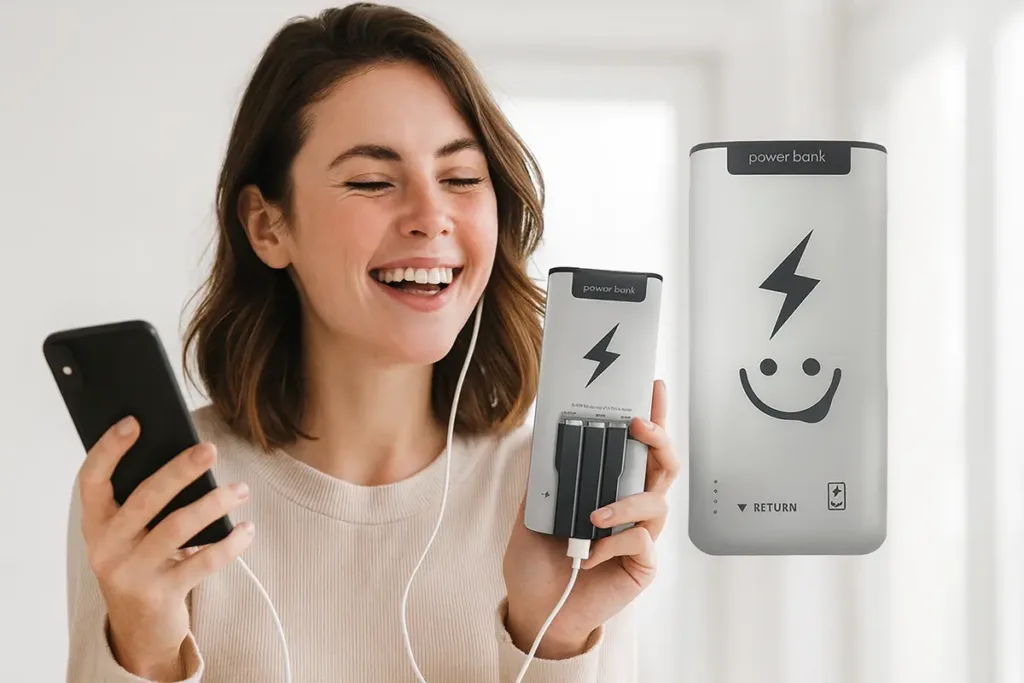
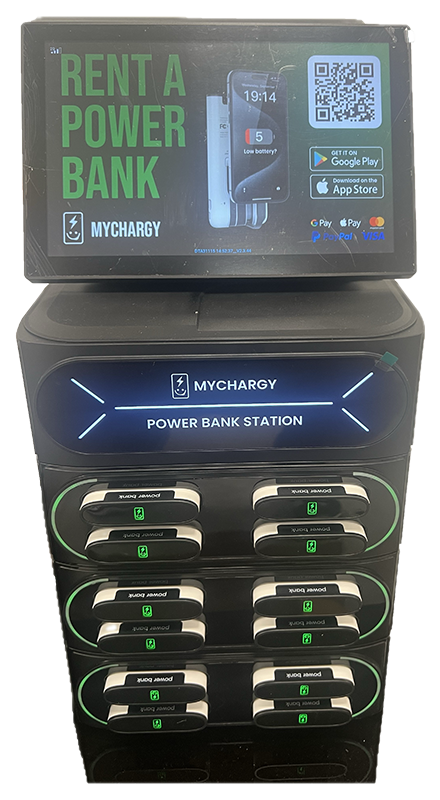
If you’re away from home and worried about your mobile device running low, My Chargy has the perfect solution for you. Rent a power bank, charge on the go, and return it to the nearest My Chargy station.
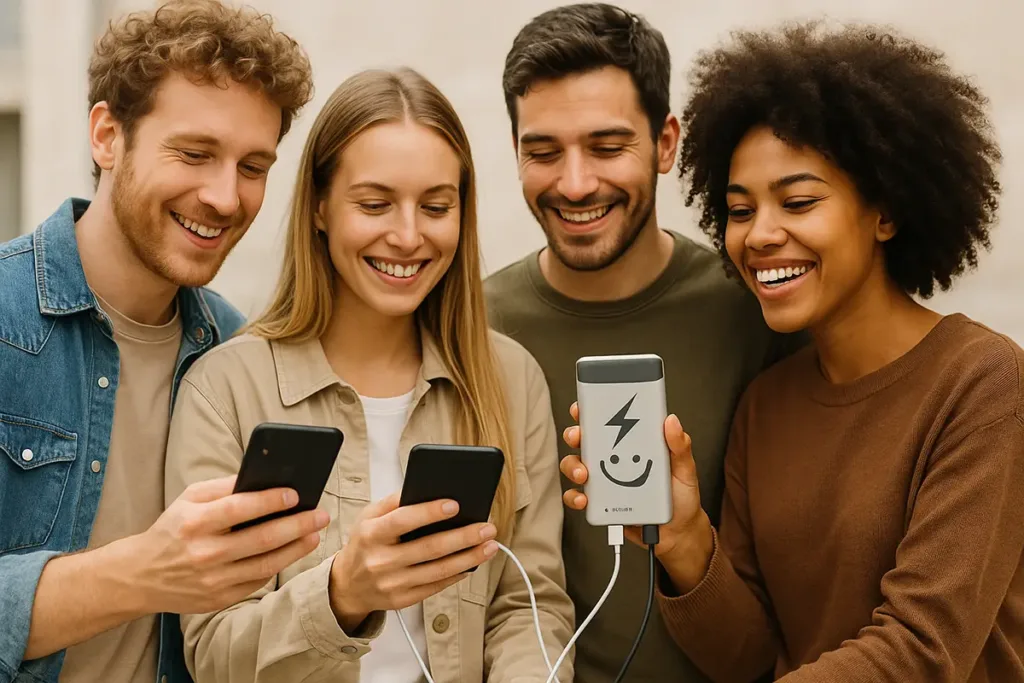
Charge two devices on the go
One power bank is enough to fully charge two smartphones
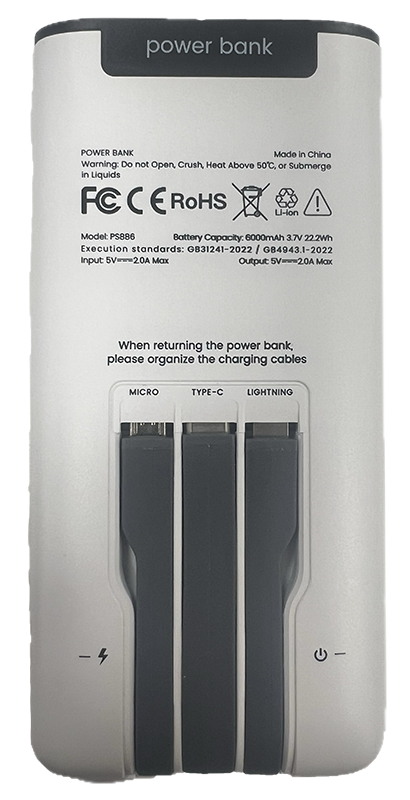
Compatible with any devices
Micro-USB, Lightning, USB Type-c
Our stations are at all top locations in the city
In the cafés, restaurants, supermarkets, and shopping and entertainment centers
Faster and easier than carrying around your own power bank
Rent a power bank while shopping or at a business meeting — there are thousands of stations around
How to rent a power bank?
Scan the QR code
Get the app now from the Google Play Store or the App Store. Sign up with your mobile number, and let the app lead you to the closest My Chargy charging station.
Choose a payment method
When you arrive, simply scan the QR code on the machine, and pick a power bank rental.
Take the power bank
Then a fully charged portable battery will unlock and eject from the station for you to take with you.
Easy Return
Once you have finished using the power bank, please return it to the nearest My Chargy charge station.
1 EUR /
per hour
The exact price and other tariffs in the application
Forgot your own charging cable? No problem!
Install the application
Why you should use My Chargy?
Cost Effective
Rent high-quality power banks at affordable prices.
Easy Access
Guided navigation for seamless renting and returning.
Stay Connected
Strategically located for convenient 24/7 availability.
Easy Rent
Rent with one click and return with zero clicks.
Travel Light
You don't need to worry about carrying your charged power banks or chargers.
Go Green!
Embracing the Sharing Economy for a More Sustainable Future
My Chargy for business
Choose My Chargy
Power up your business with our innovative phone charging solutions and offer your customers a service that makes a difference.
Enter the station number manually to the right from the QR code. If nothing happens, contact support.
The station does not give out a power bank. What should I do?
In the application check the start of rental. Check the slot again, you may have failed to notice the provided power bank. If nothing happens, contact support.
The power bank does not work, the indicator remains off, the cable is torn off. What should I do?
Use the Change Device button on the main screen within five minutes from the rental start, or contact support.
Where can I return the power bank?
Find the nearest station on the map in the Mr. Charge application and insert the power bank in any free slot until a click is heard.